

Elevate Your Audition Recording Creation →
Record the Moment.
Capture the Magic.
Take Stage is audition recording software that lets musicians and instructors connect in real time to capture practice sessions as professional-quality recordings with live and remote guidance. No gear required, just talent.

Turn Your Practice into
Professional Audition Recordings
Ease into your creative potential while recording with your trusted professor or recording producer, from the comfort of your practice space.

Unlimited
calling.

Durable high definition recordings.
How it works
Create a Stage and Invite Guests
You are about to record with an audio engineer, or have a practice with your teacher:
- Create a Stage Session.
- Choose your preferred camera and microphone.
- Invite other users via an invite link to join the session.
Record with Confidence
As you begin to record:
- Rely on the app to auto-record
- Have the “Producer” participant Start and Stop the recording takes and guide your session.
Download and Share the Recordings
Once your session is complete:
- Review all takes,
- Select the best clips with your teacher/engineer.
- Access recordings from other participant devices effortlessly.
Join the Stage
- Use the link from the Creator to join the Stage or create new one and invite others.
- Guide the creator from anywhere in the world, help them set up their camera, start takes and help them look and sound great!
Guide the Creator
- Control other participants cameras settings and monitor audio.
- Start and Stop takes. Use headphones to enjoy stereo spatial audio.
Download, Upload & Share
- Access content via the TakeStage account after the Stage session for review, editing or distribution.
- Upload finalized and mastered content back to the account and share it back with the Creator.
Stages
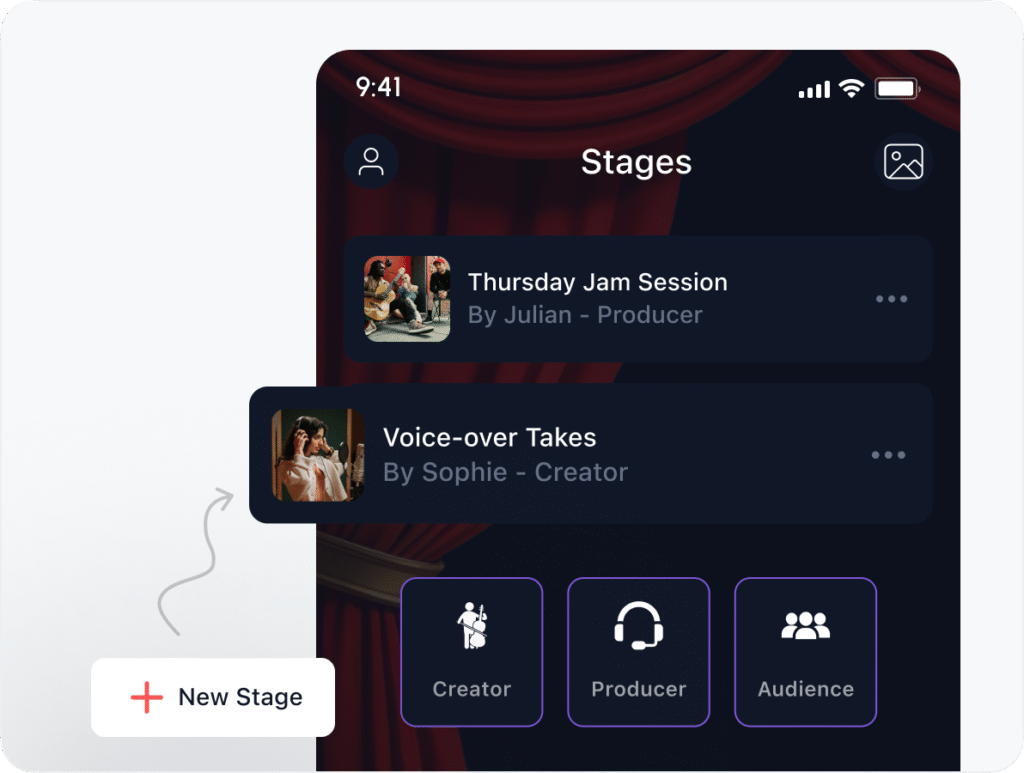
Join the Stage Session
Create a stage, invite participants and assign roles:
- Creators to be recorded
- Producers to control recording process remotely
- Audience to watch live and engage in chat.
Remote Control
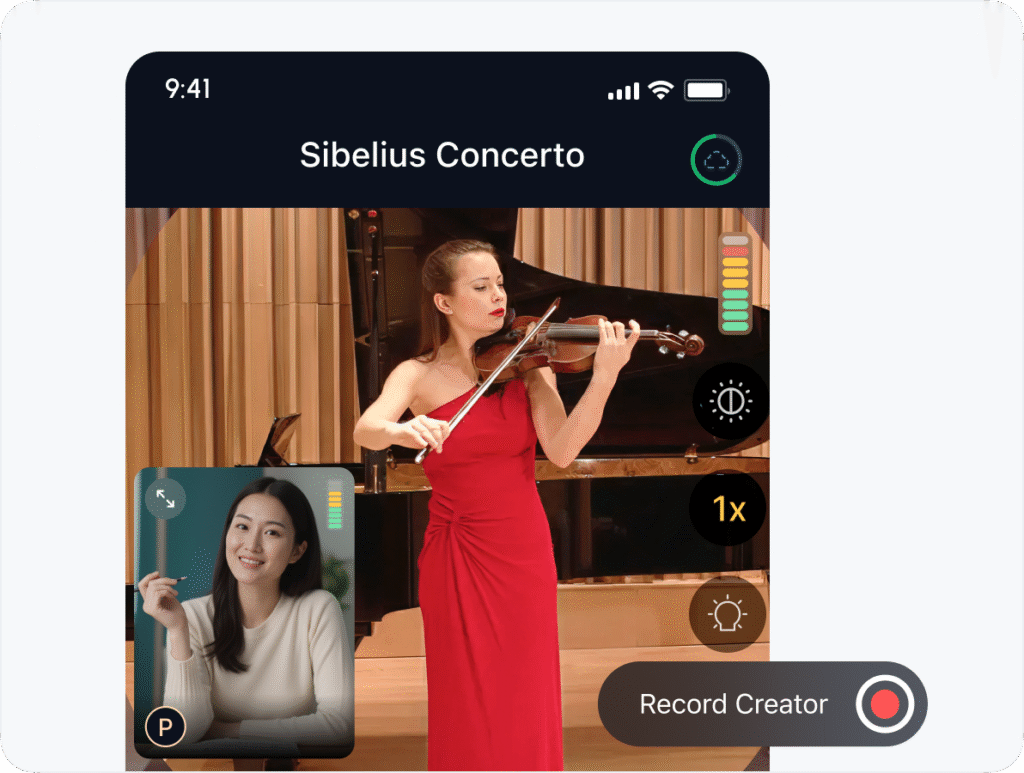
Remotely Control Creator’s Device
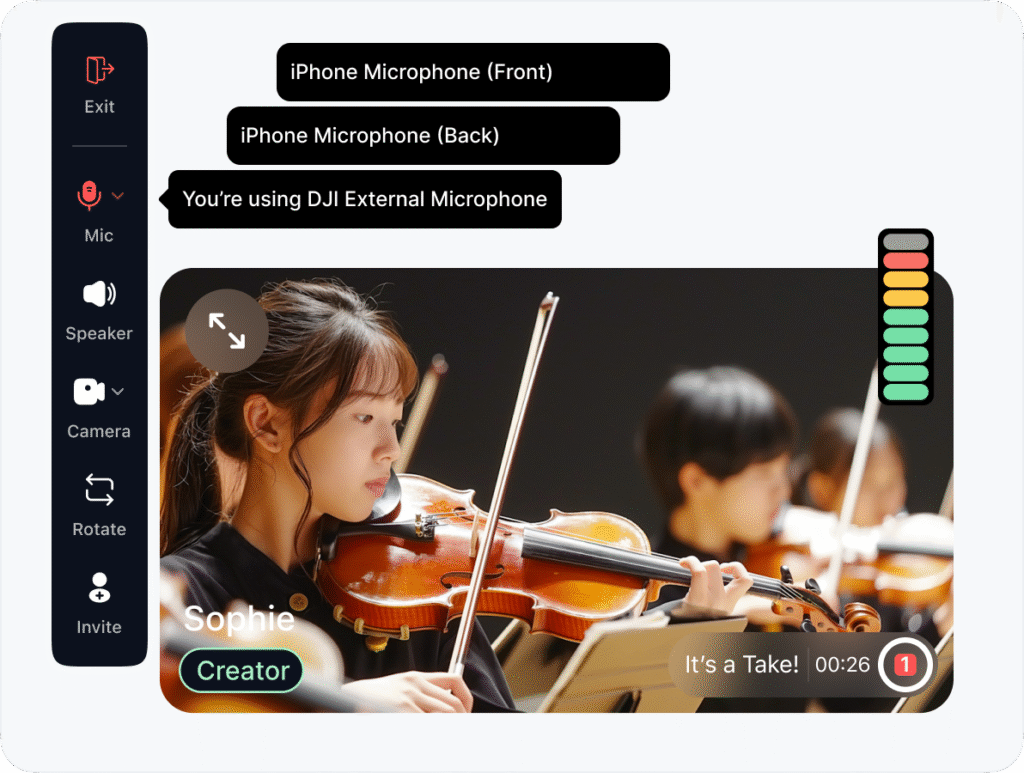
Control or let others Start and Stop recordings, adjust settings: audio input levels, camera brightness and color temperature. Ensure your “Takes” look and sound great!
Recording
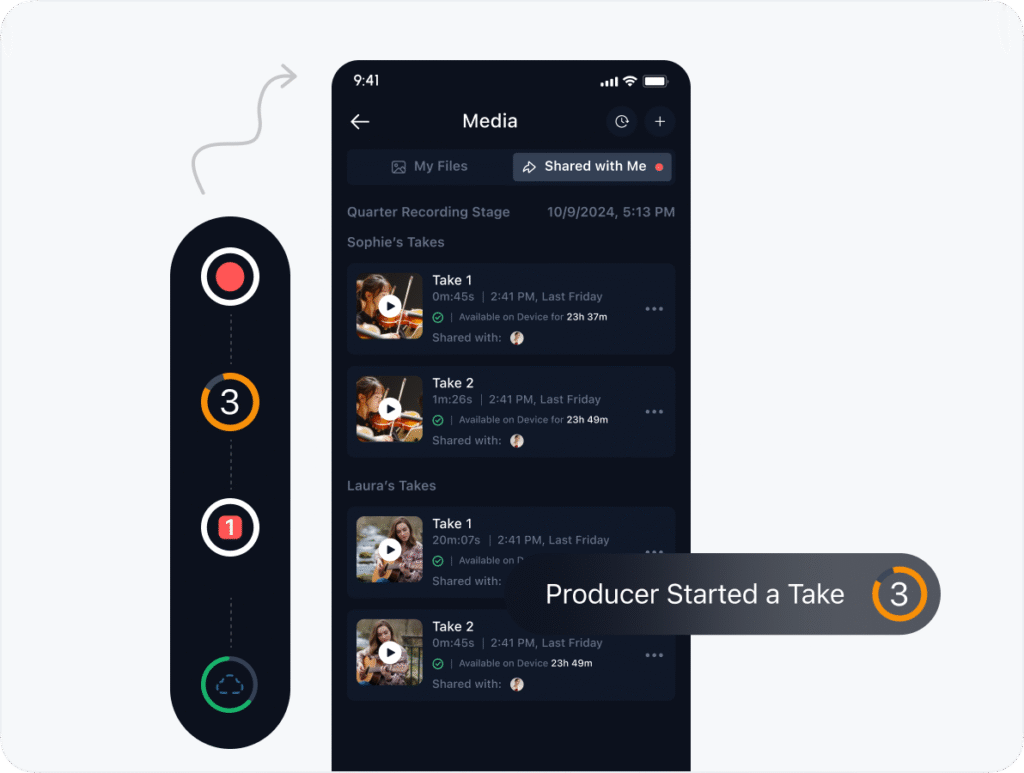
Durable Recording
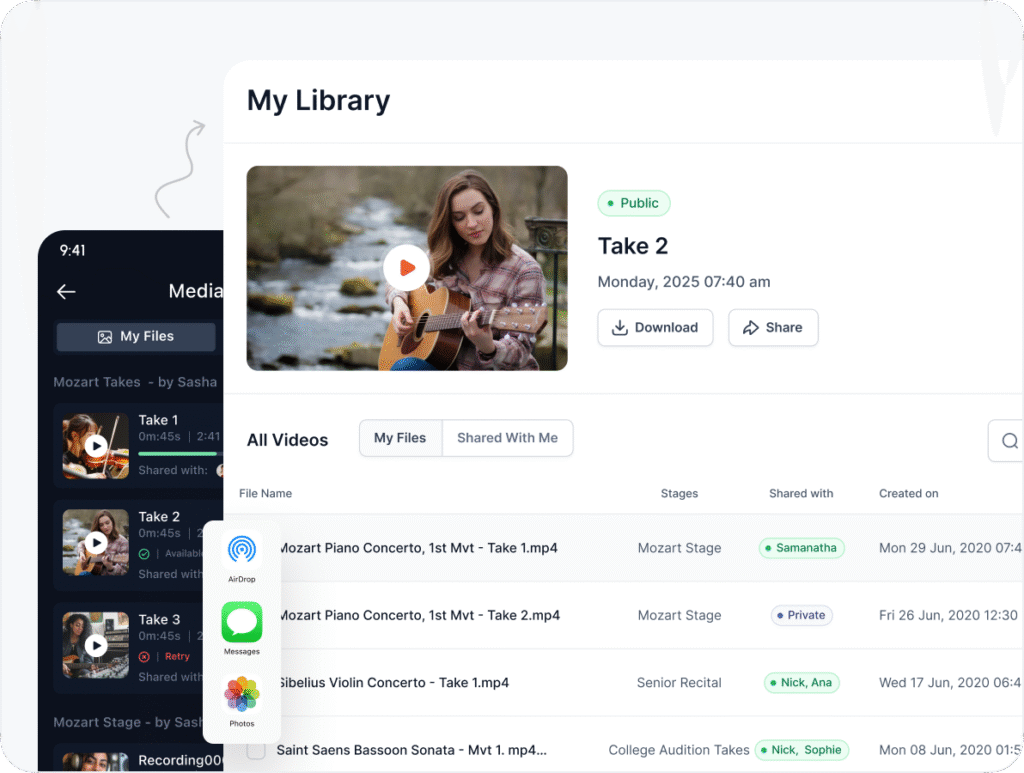
Recorded Takes are organized locally on device and automatically uploaded to the TakeStage cloud library. Creator recordings are seamlessly shared with other participants from the session.
Multiview
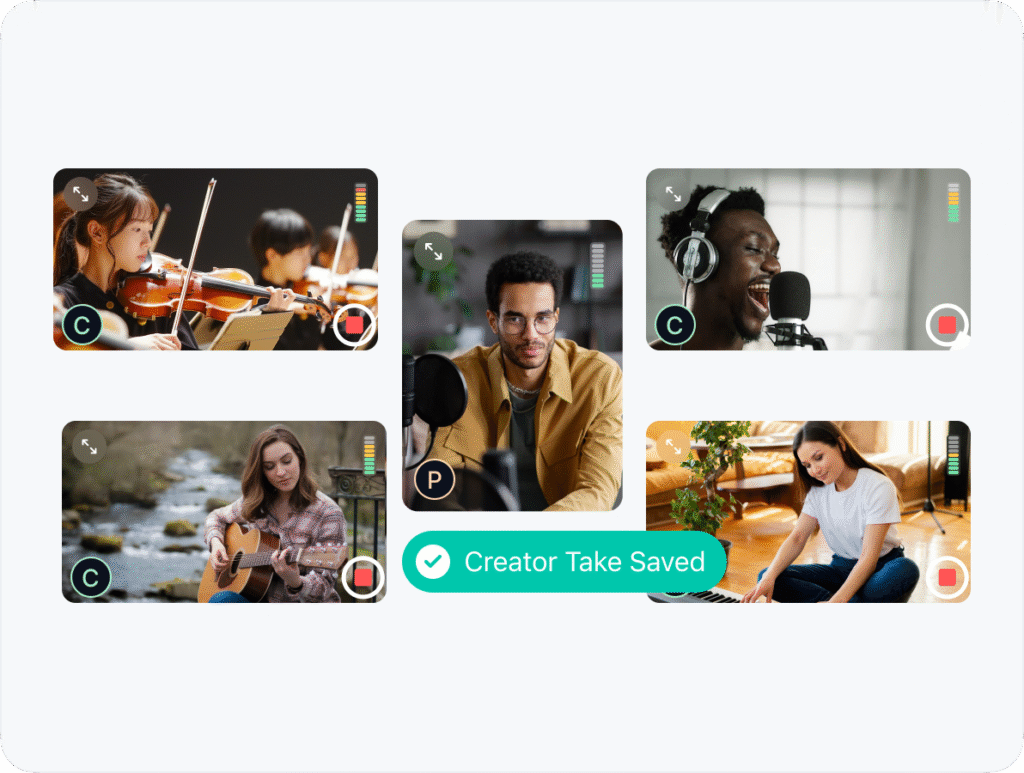
Multi-Participant Sessions
Optimized for up to 5 individual participants (during Beta):
- View and record individual Creator feeds
- Remotely Control each device
- Share the stage live to thousands of in-app Audience viewers
External Devices
Professional Audio & External Interfaces
Choose your preferred external devices; an audio interface and any professional studio microphones. Control audio levels, monitor and record mixed stereo for participants and audience to enjoy!
Media
Share the Takes
Takes are automatically shared with other stage participants. Preview and share recordings directly from the app or from the TakeStage cloud library. Producers can edit the recording and share the finalized versions with the Creator.
Voices from the Stage
From students to seasoned performers, musicians of all levels use Take Stage to record with confidence to prepare content for audiotions season. Here’s what our community is saying.
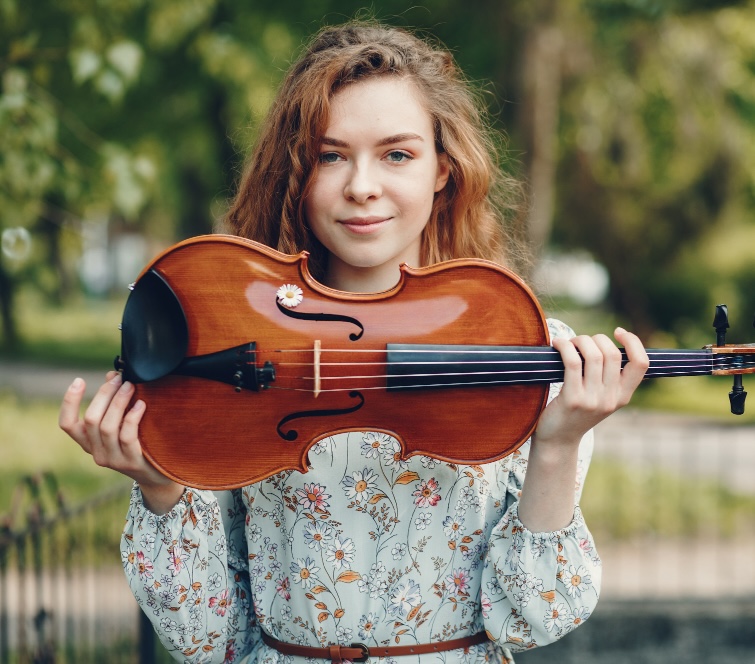
Take Stage completely changed my practice routine. Recording used to feel intimidating, but now I can share takes with my teacher instantly and actually track my progress over time.”
Sophie L.
Violin Student
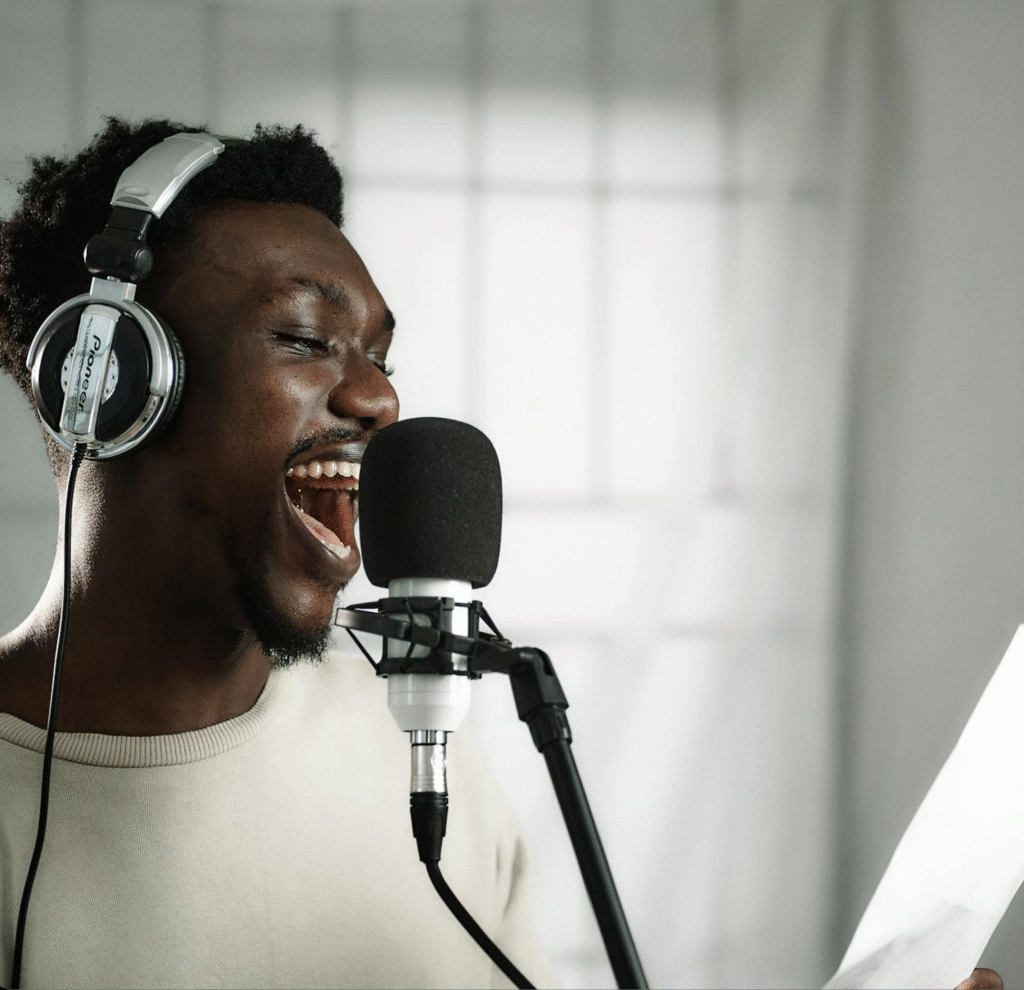
Being able to guide my students remotely has saved me hours of back-and-forth. I can adjust their recording setup and give feedback without needing to be in the same room.”
Miake G.
Vocal Coach
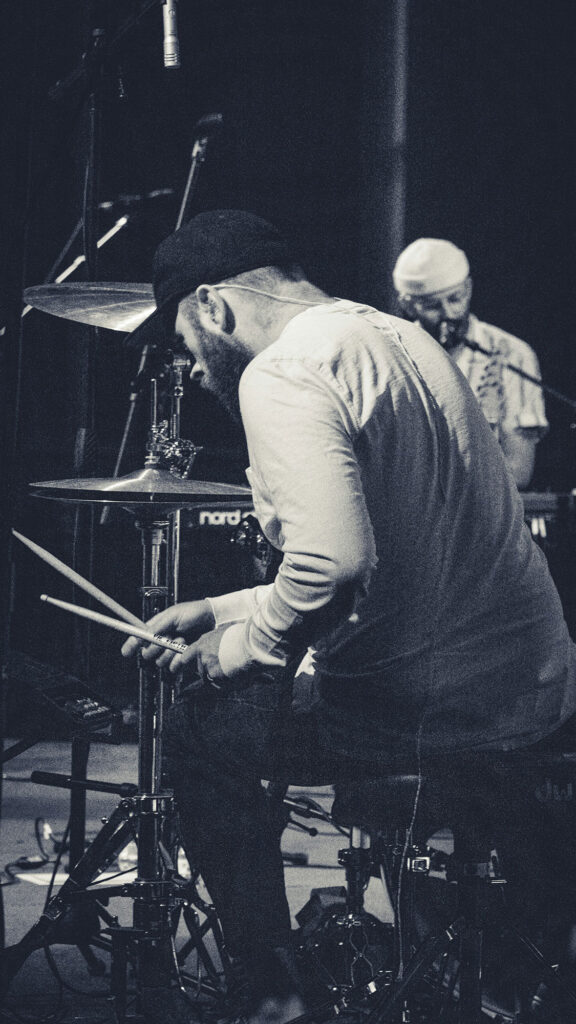
Our band lives in three different cities, but Take Stage lets us rehearse and capture ideas like we’re in the same studio. The audio quality is way better than what we used before.”
David Gray
Drummer
10,000+ Takes Recorded. Musicians around the world have already captured thousands of practice sessions and performances on Take Stage.
Global community of artists & instructors.
From beginners to professionals, our platform supports musicians in over 8 countries.
How Musicians Use TakeStage
From college applications to daily practice, musicians use TakeStage to create, collaborate, and capture their best performances. Here’s how our community turns preparation into opportunity.
Real sessions, real results
For College
& Scholarship Applications
Use our audition recording software to create festival, scholarship or college audition recordings with remote producer guidance. Get into your dream school without expensive studio sessions using just your device, your space, and a trusted coach controlling every detail remotely.
For Daily Practice
with Live Coaching Capabilities
Invite teachers and mentors into your practice sessions for real-time feedback. Record multiple takes, receive instant guidance on phrasing and technique, and refine your performance without waiting for your next lesson.
Read about how musicians are turning everyday practice sessions into breakthrough performances with real-time guidance. Read More
We simplify the process
No More Studio Costs
Skip the expensive recording studios, audio engineers, and equipment rentals. What used to require coordinating space, hiring professionals, and bringing an accompanist now happens from your living room at a fraction of the cost.
Record in Your Comfort Zone
Perform where you feel most confident: your home, school practice room, or favorite auditorium. Your producer guides remotely, controlling camera placement, audio levels, and lighting while you focus on playing your best.
Read about why your iPhone delivers better audition results than expensive DSLR cameras and studio setups. Read More
Built for your workflow
For Teaching & Remote Sessions
Guide students from anywhere with live device control, time-stamped feedback notes*, and automatically saved recordings. Run productive sessions across time zones without sacrificing quality or losing the personal connection of in-person teaching.
Professional Quality, Simple Setup
Use your iPhone’s pro-level camera in Wide Spectrum audio mode to capture audition-ready videos. Your recordings automatically upload in full, uncompressed quality to your personal library with no degradation, just pristine content ready for applications.
Durable Storage & Easy Sharing
Every session saves automatically to your TakeStage account. Share directly with colleges, festival committees, or collaborators. No file compression, no quality loss. Just professional recordings that represent your true sound.
Read about how HD video technology is transforming the way music instructors teach and coach students remotely. Read More
There is a Plan for Every Artist
Choose the Right Plan for Your Music Journey
Free
Perfect for beginners and those just starting their journey.
Highlights
Unlimited video calls & high fidelity audio
720p quality recordings
5GB-limited cloud storage
Producer remote controls
Enthusiast
$8
month
Ideal for independent xyz who need more power and flexibility.
Highlights
High Dynamic Range recording
1080p high-bitrate recording
10 GB of cloud recording storage
Producer remote controls
Priority customer support
Artist
Coming Soon
Complete solution.
Highlights
Call transcription and AI recordings summary
Recording markers and metadata
HDR recording
4K high-bitrate quality recording
More cloud storage
FAQs
You’ve got questions. We’ve got answers.
What is TakeStage?
TakeStage is audition recording software and a platform designed for musicians, producers, and creative professionals to collaborate, audition, and teach online. It allows you to record each participant individually in high-definition video and audio, creating professional-quality recordings from remote sessions.
How does TakeStage work?
When you host or join a session, TakeStage records each participant separately using their device’s camera and microphone. After the session ends, each track is automatically synced, allowing for clean mixing, editing, and review.
Who is TakeStage for?
TakeStage is made for anyone who works with video or audio performance remotely — including music instructors, producers, session musicians, vocal coaches, bands, and students auditioning for schools or ensembles.
Do I need special equipment?
No — all you need is a computer or mobile device with a webcam and internet connection. However, using headphones and an external microphone can improve the recording quality.
Can I use TakeStage for live collaboration?
Yes! TakeStage supports real-time sessions where you can perform, teach, or collaborate with others while recording. Each participant’s feed is captured in sync, so you can focus on the music rather than the tech.
What makes TakeStage different from Zoom or other video apps?
Unlike standard video platforms, TakeStage is purpose-built for creative performance. Instead of one compressed group video, it captures each participant in separate high-quality video and audio files — ideal for editing, mixing, or submitting professional auditions.
How are recordings stored and shared?
Recordings are securely stored in your TakeStage account. You can download individual or composite videos, share links with collaborators or instructors, or export the files for editing in your preferred software.
When will TakeStage be available to the public?
TakeStage is currently in beta. Early access is being rolled out to select users. You can sign up on TakeStage.live to receive updates and be among the first to join the platform when it officially launches.