
Elevate Your Audition Recording Creation →
Record the Moment.
Capture the Magic.


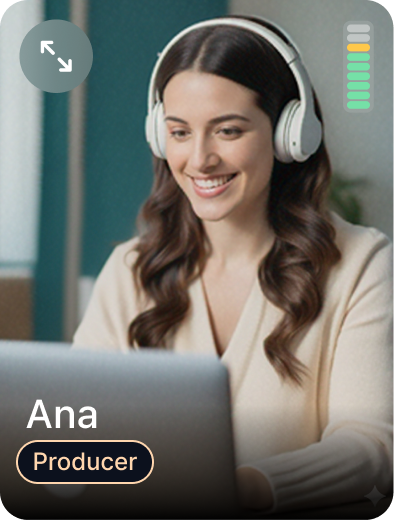
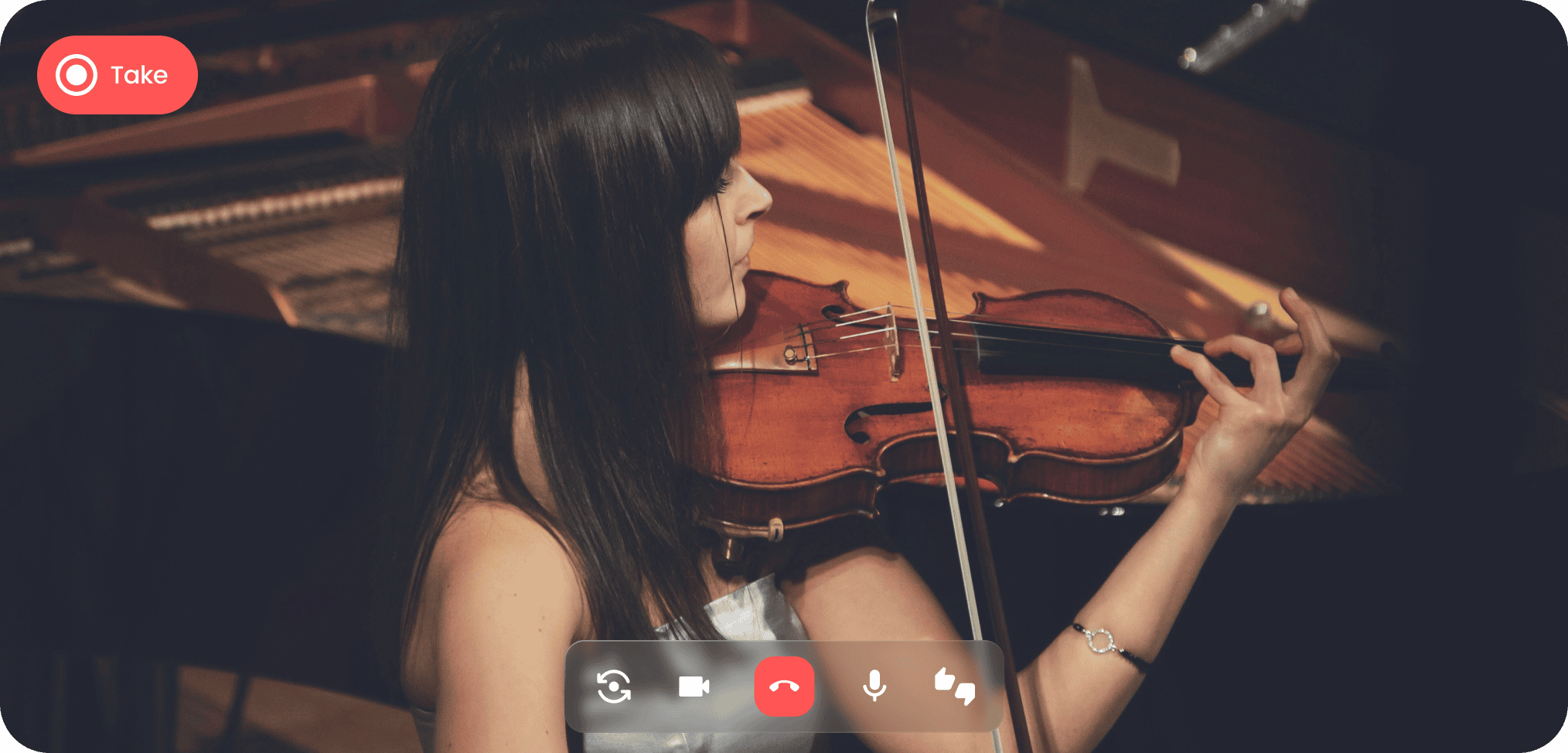

Take Stage is realtime calling and recording for musicians and teachers. Your teacher starts the recording on your phone and marks what to fix while you play, and you both keep a professional-quality take. No gear required, just talent.

Practice room in. Audition video out.
Play where you practice. Your teacher joins on the call and runs the recording. You get an HD video that’s ready to submit.
How it works
Call your teacher.
By name, or tap the link they sent. Prop the phone where it sees you and the instrument.
Just play.
Your teacher starts each take with a 4-second count-in and marks what to fix as you go.
Keep the best one.
Every take is in your library with the notes on it. Pick one and submit it.
Call your student.
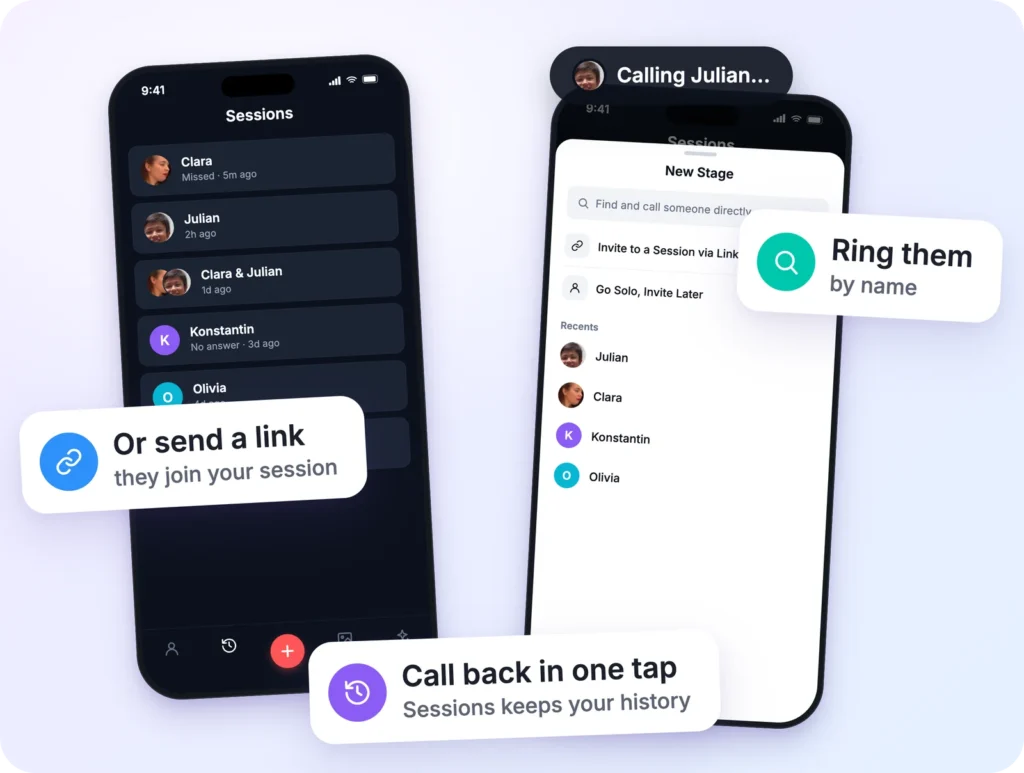
Tap New Stage and ring them by name, or send a link.
Run the take.
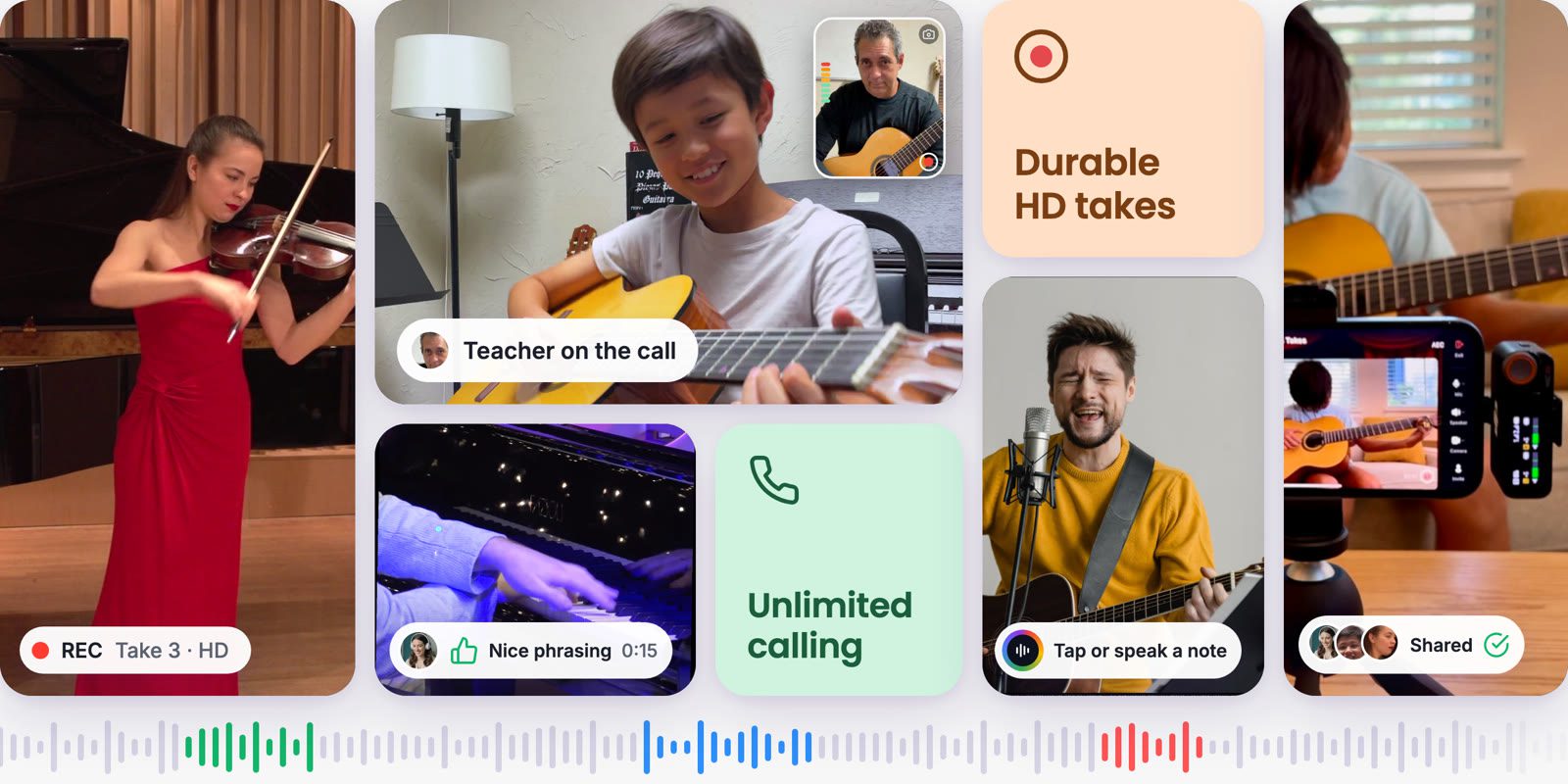
Start and stop the recording on their phone. Tap thumbs up or down, or say the note out loud.
Review together.
Takes land in both libraries. Jump to a note, replay the bar, and choose the take that goes in.
Sessions
Your lesson starts with a call
Call your student by name, or send a link if they’re new. Next week they’re one tap away in Sessions.
Remote Control
You run the take. They just play.
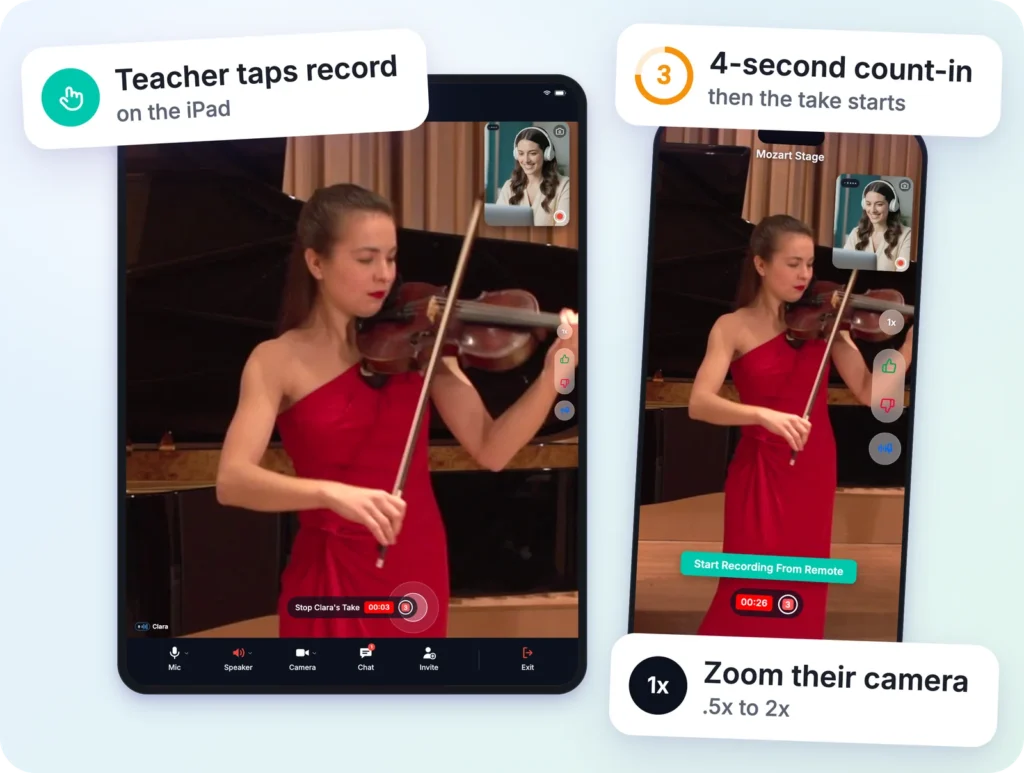
Start the recording on your student’s phone with a 4-second count-in. Stop it when the last note rings out, and zoom in for the hard passage.
Notes
Mark it while they play
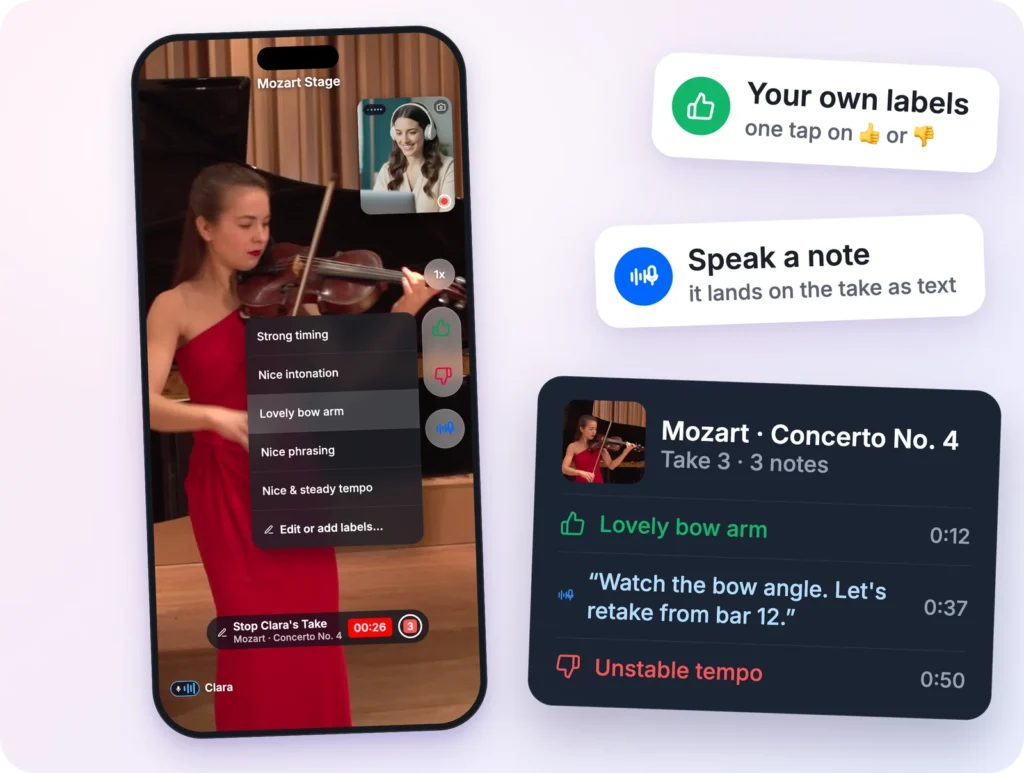
Tap thumbs up or down and pick a label, or just say the note out loud. It lands on the take at that second, as text. Write your own labels, like “Lovely bow arm”.
Recording
The call can freeze. The take won’t.
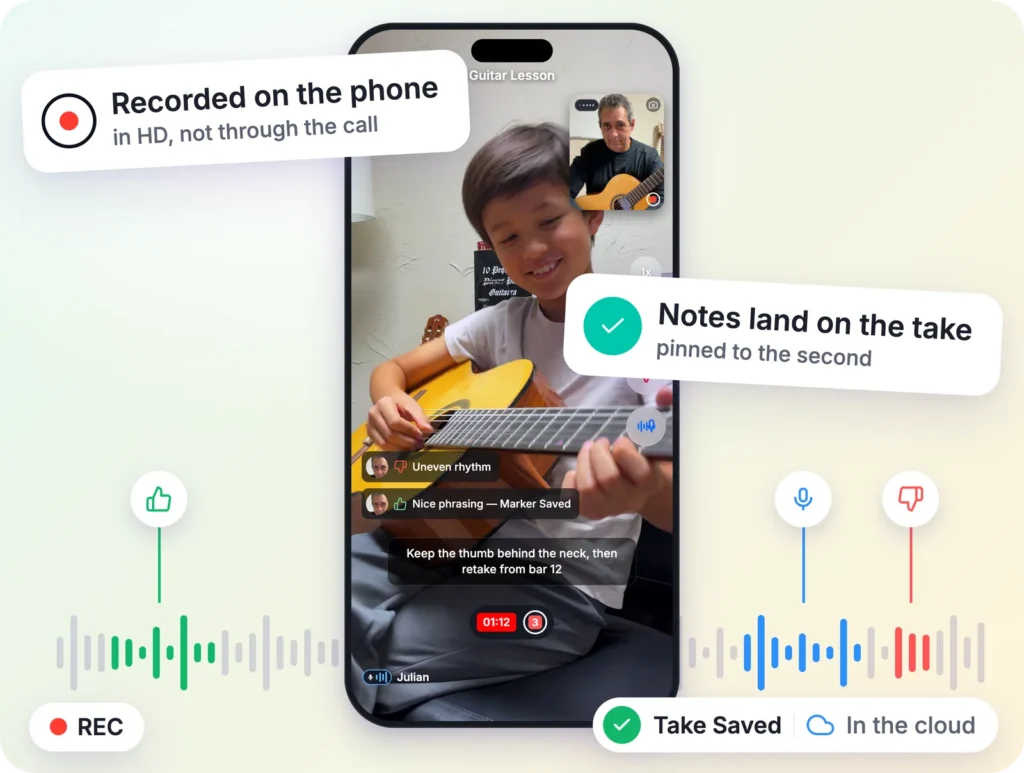
Each take records on your student’s phone in HD, not through the call. A frozen frame on your screen never reaches the recording, and the take uploads on its own.
Multiview
Your whole studio on one call
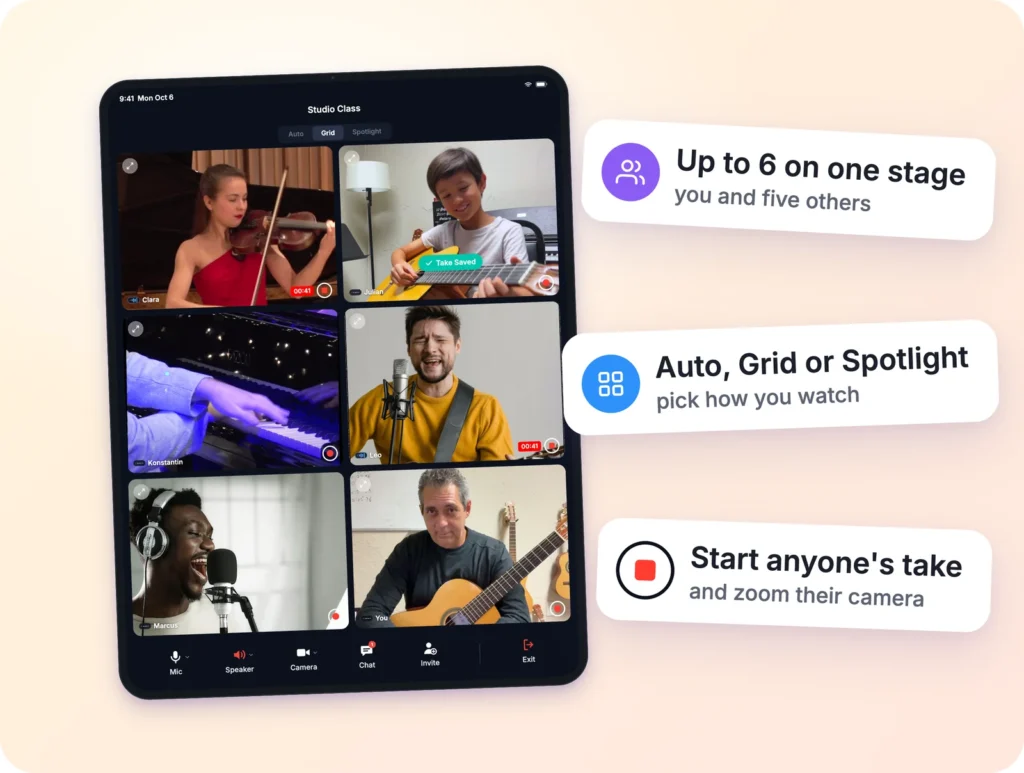
Up to six people, each playing from home. You start each student’s take when it’s their turn.
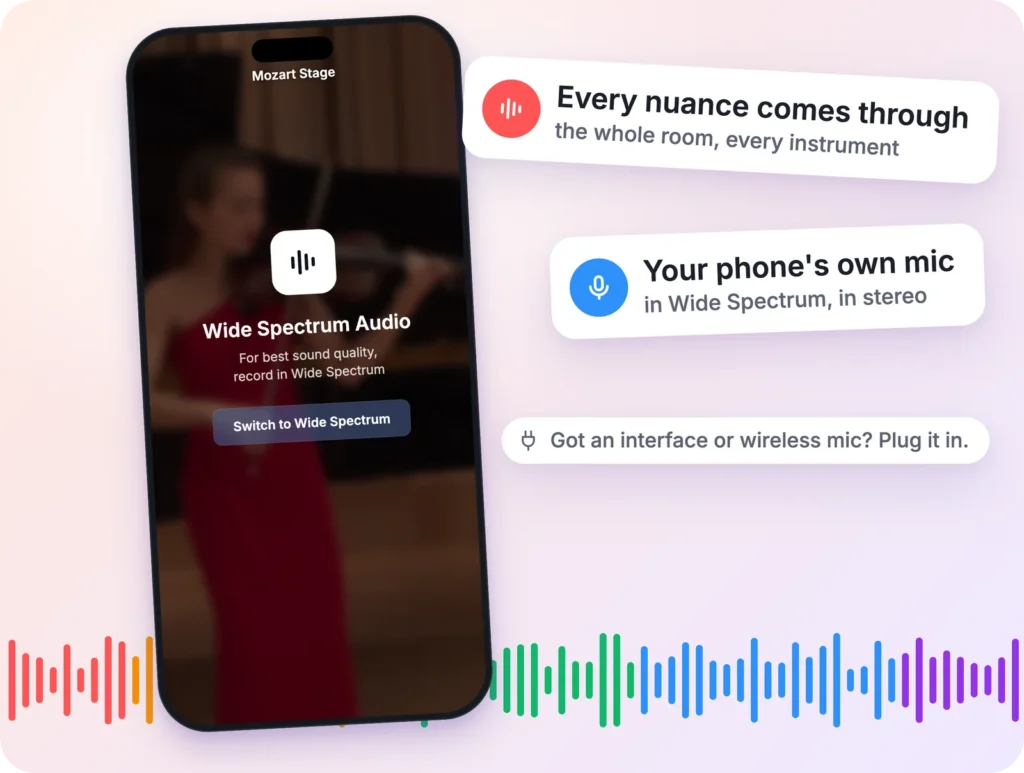
External Devices
Capture every nuance of your sound
Video calls are tuned for voices. TakeStage records your phone’s own mic in Wide Spectrum, in stereo, so every bow change and every breath comes through. Got an interface or a wireless mic? Plug it in.
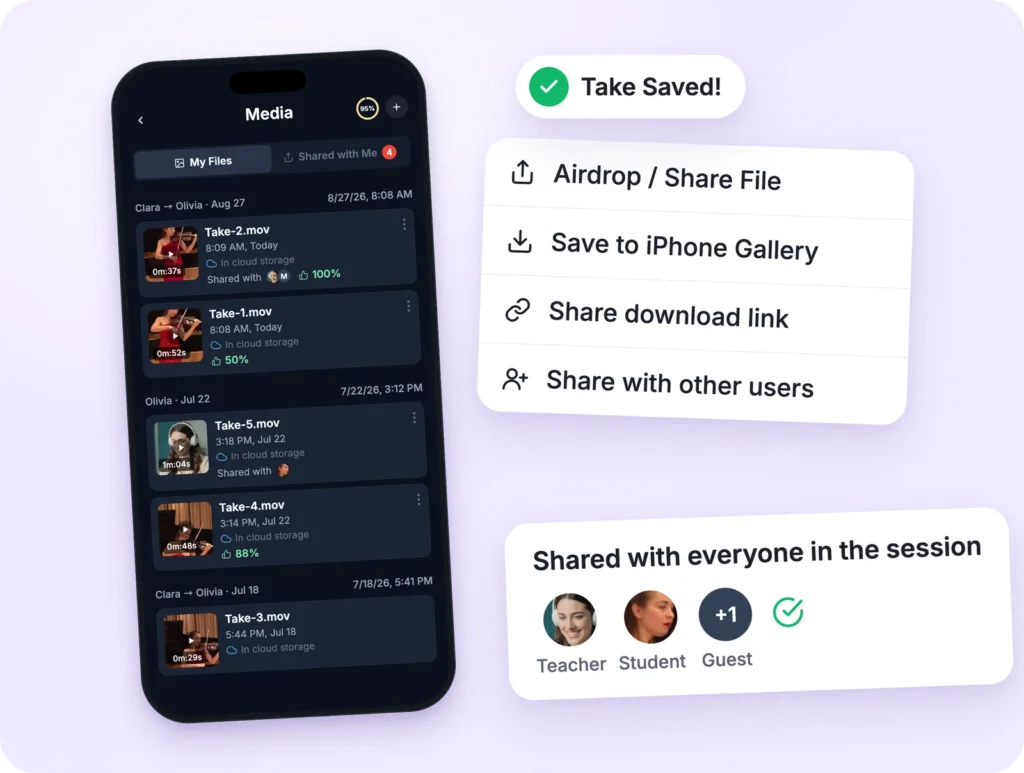
Media
From lesson to application
Every take is already in both your libraries. Save the best one to Photos or share a download link, ready to submit.
Voices from the Stage
From students to seasoned performers, musicians of all levels use Take Stage to record with confidence to prepare content for auditions season. Here’s what our community is saying.
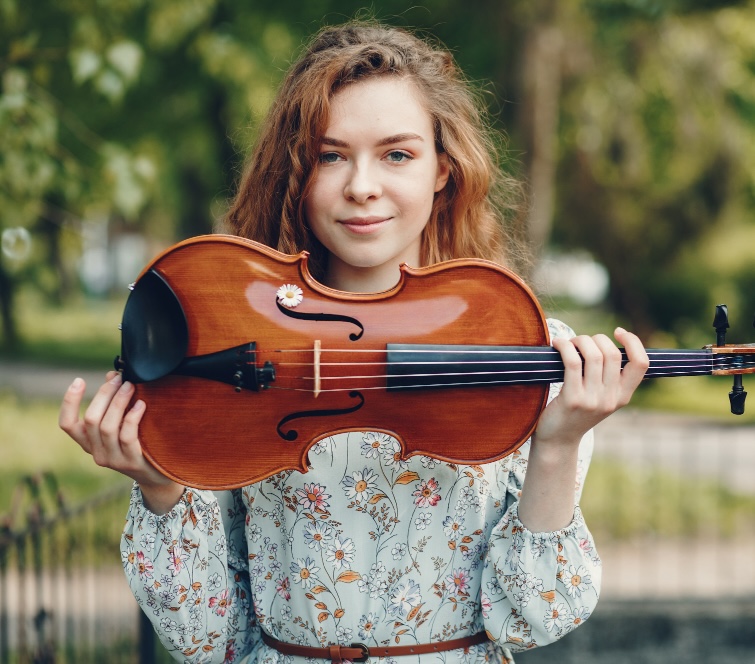
Take Stage completely changed my practice routine. Recording used to feel intimidating, but now I can share takes with my teacher instantly and actually track my progress over time.”
Sophie L.
Violin Student
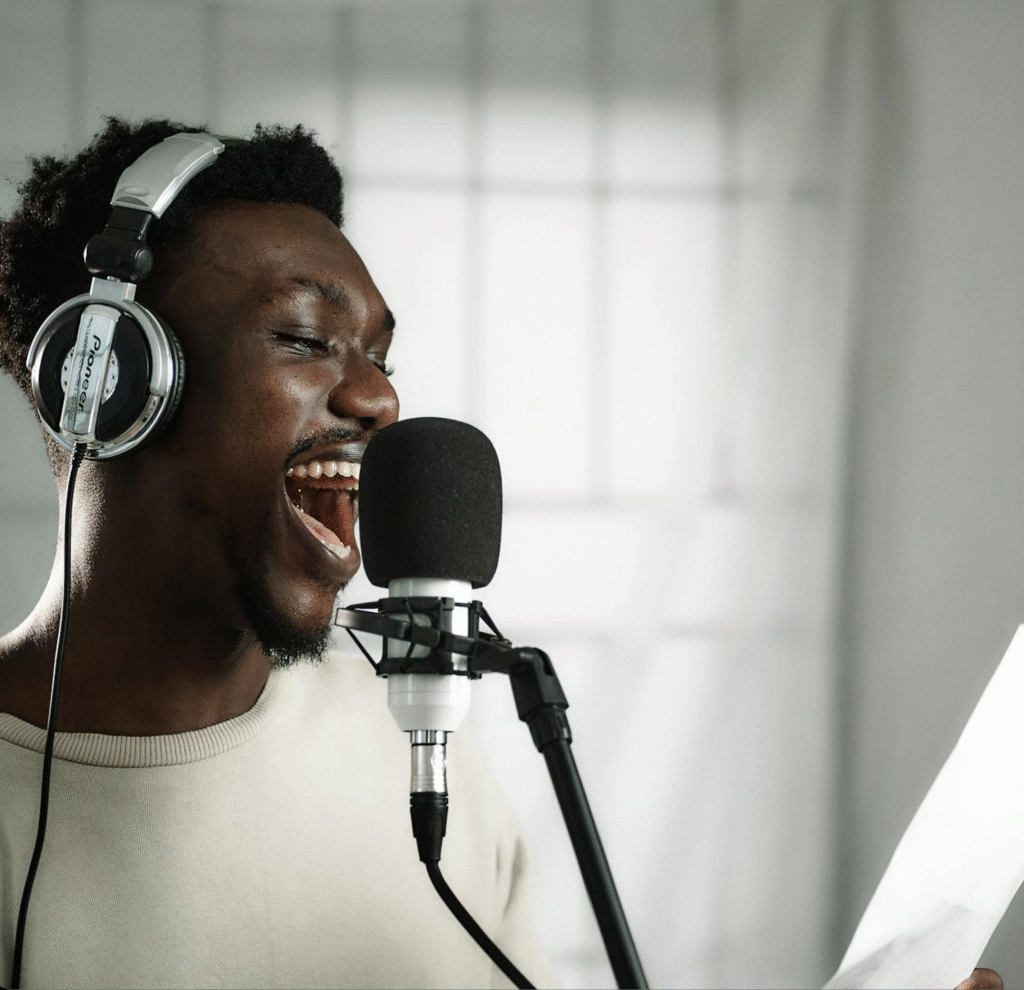
Being able to guide my students remotely has saved me hours of back-and-forth. I can adjust their recording setup and give feedback without needing to be in the same room.”
Miake G.
Vocal Coach
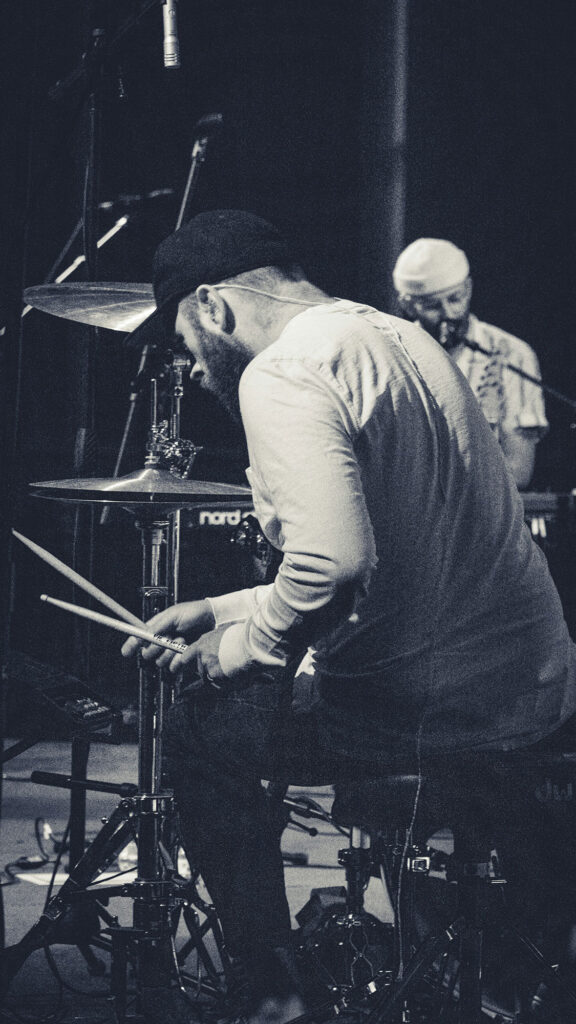
Our band lives in three different cities, but Take Stage lets us rehearse and capture ideas like we’re in the same studio. The audio quality is way better than what we used before.”
David Gray
Drummer
Over a Thousand Takes Recorded. Musicians around the world have already captured over a thousand practice sessions on Take Stage.
Global community of artists & instructors.
From beginners to professionals, our platform supports musicians in over 8 countries.
How Musicians Use TakeStage
From college auditions to weekly lessons, TakeStage connects you with a teacher or producer over video and records your performance in studio quality, right from your iPhone or iPad.
Who it’s for
Auditions & Scholarship Applications
Record college, festival and scholarship audition videos with your teacher guiding you on the call. You don’t need to book a studio, just your iPhone, your own space, and someone you trust handling the details.
Lessons & Live Coaching
Teachers and mentors join your session from anywhere for real-time feedback. Mark any moment with a tap or a spoken note, record as many takes as you need, and find every lesson again next week.
Read about how musicians are turning everyday practice sessions into breakthrough performances with real-time guidance. Read More
Why it works
No Studio Costs
Skip studio rentals, audio engineers and equipment. Recording that used to mean booking a space and hiring professionals now happens from your living room.
Studio Quality, Anywhere
Perform where you feel most confident: at home, in a practice room or on stage. Your teacher starts each take and zooms the camera. The take uploads in the quality it was recorded in, ready to share with schools, festivals or collaborators.
Read about why your iPhone delivers better audition results than expensive DSLR cameras and studio setups. Read More
There is a Plan for Every Artist
Choose the Right Plan for Your Music Journey
Free
Perfect for beginners and those just starting their journey.
Highlights
Unlimited secure video calling & high fidelity audio
720p quality recordings
5GB-limited cloud storage
Remote start, stop and zoom
Enthusiast
$8
month
Ideal for independent teachers and performers who need more power and flexibility.
Highlights
High Dynamic Range recording
1080p high-bitrate recording
10 GB of cloud recording storage
Remote start, stop and zoom
Priority customer support
Artist
Coming Soon
Complete solution.
Highlights
Recording markers and metadata
HDR recording
4K high-bitrate quality recording
More cloud storage
FAQs
You’ve got questions. We’ve got answers.
What is TakeStage?
TakeStage is audition recording software and a platform designed for musicians, producers, and creative professionals to collaborate, audition, and teach online. It allows you to record each participant individually in high-definition video and audio, creating professional-quality recordings from remote sessions.
How does TakeStage work?
When you host or join a session, each person’s take records on their own phone in HD and lands in everyone’s library, with the notes on it.
Who is TakeStage for?
TakeStage is made for anyone who works with video or audio performance remotely — including music instructors, producers, session musicians, vocal coaches, bands, and students auditioning for schools or ensembles.
Do I need special equipment?
No. All you need is an iPhone or iPad with the free TakeStage app.
Can I use TakeStage for live collaboration?
Yes! TakeStage supports real-time sessions where you can perform, teach, or collaborate with others while recording. Each participant’s feed is captured in sync, so you can focus on the music rather than the tech.
What makes TakeStage different from Zoom or other video apps?
Unlike standard video platforms, TakeStage is purpose-built for creative performance. Instead of one compressed group video, it captures each participant in separate high-quality video and audio files — ideal for editing, mixing, or submitting professional auditions.
How are recordings stored and shared?
Recordings are encrypted in transit and at rest and securely stored in your TakeStage account. You can download individual or composite videos, share links with collaborators or instructors, or export the files for editing in your preferred software.
When will TakeStage be available to the public?
TakeStage is available now on the App Store for iPhone and iPad. Download it free and start recording: https://apps.apple.com/us/app/takestage/id6503710596