

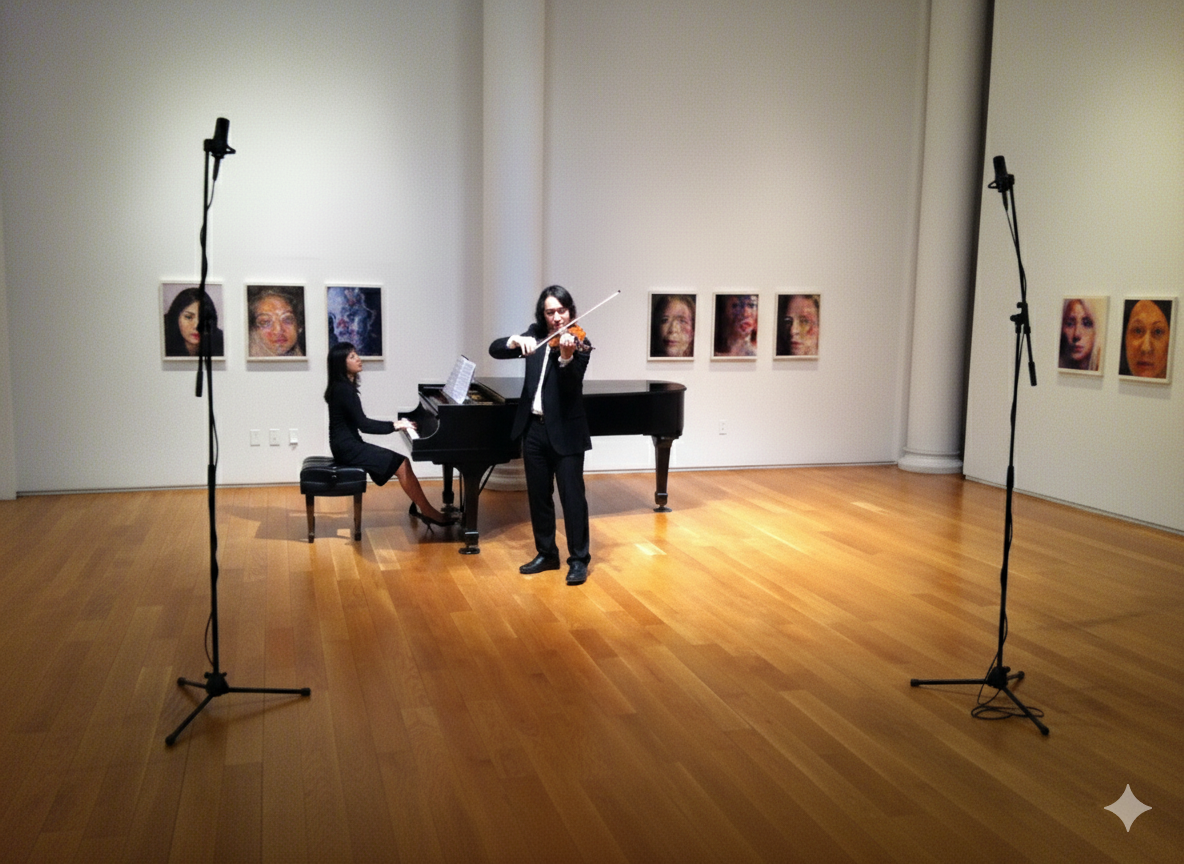
Confused about picking the right microphones for auditions? We’ve been there as musicians prepping for college submissions and festivals. The best microphones for auditions can make or break how your performance comes across, capturing every nuance without the hassle of a full studio setup.
At TakeStage, our app is built for performing artists to create high-quality audition videos remotely, so we tested several mics focusing on lightweight, easy-to-set-up options that deliver stereo recording, high fidelity, and cardioid patterns. These features ensure your sound is immersive and professional, especially when paired with iOS’s Wide Spectrum mode (which our app detects and prompts you to enable to capture every nuance of guitar, piano, or vocal performances).
What to Look for in Microphones for Auditions
When choosing microphones for auditions in TakeStage sessions, prioritize ones that are portable and quick to deploy. No one wants to fiddle with cables during a creative flow. Key factors include:
Stereo Recording – Captures spatial depth, making your performance feel alive rather than flat.
High Fidelity – Ensures clear, undistorted audio that highlights your artistry.
Cardioid Pattern – Focuses on your sound source while rejecting background noise. This is ideal for home or school setups.
Lightweight and Wireless – Easy setup for solo or remote collaborations, letting you focus on playing.
Compatibility with Wide Spectrum – On iOS devices, this mode grabs every subtle harmonic. TakeStage automatically suggests switching it on to elevate your recordings.
We tested these in real scenarios, recording instruments and vocals, then reviewing in TakeStage’s cloud library. Here’s what stood out and what didn’t.
Our Top Mic Recommendations Based on Tests
These winners balanced quality and convenience really well. They’re perfect for creators in TakeStage stages where producers can remotely tweak levels.
1. Audio-Technica AT4050 (Top Standard Mic)
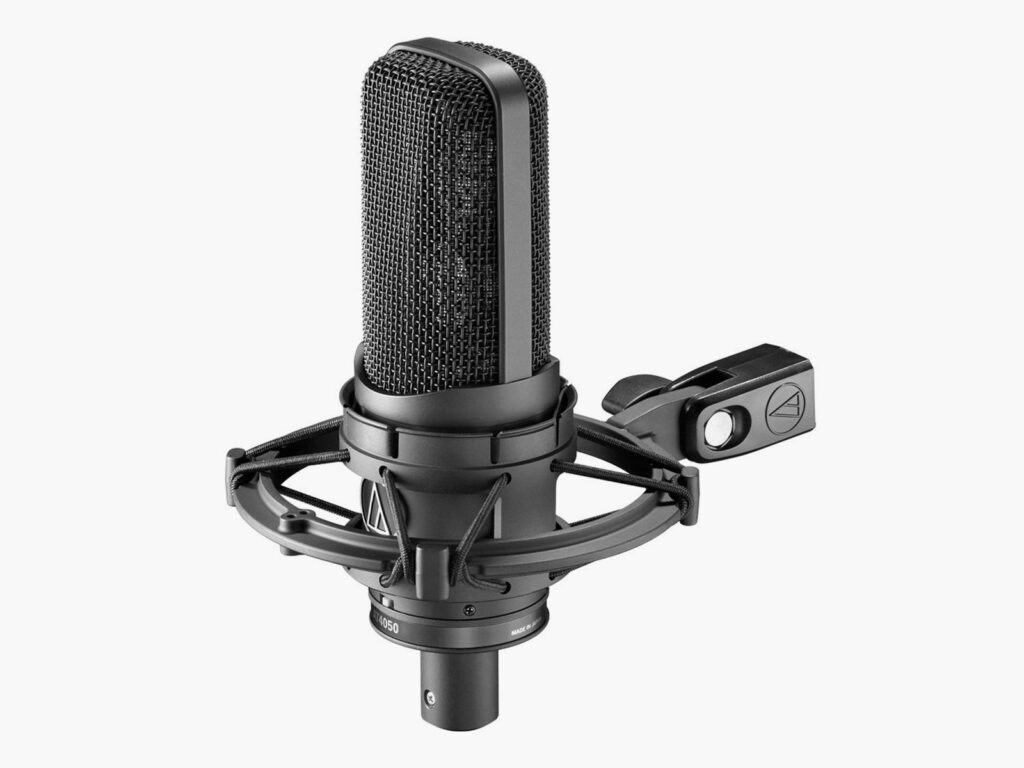
This condenser mic set the benchmark with its crystal-clear capture. It’s deservedly the gold standard in our tests.
Pros: Exceptional high fidelity, multi-pattern options (including cardioid for focused sound), and durable build for pro-level auditions.
Cons: Not wireless, so best for stationary setups. Requires an interface for full potential.
It’s lightweight enough to pack for sessions and pairs beautifully with TakeStage for uncompressed uploads. Can be easily paired with Motu and Scarlett USB-C enabled audio interfaces that plug directly into your iPhone, iPad, or personal computer.
2. DJI Mic 2 (Wireless Stereo Pair)
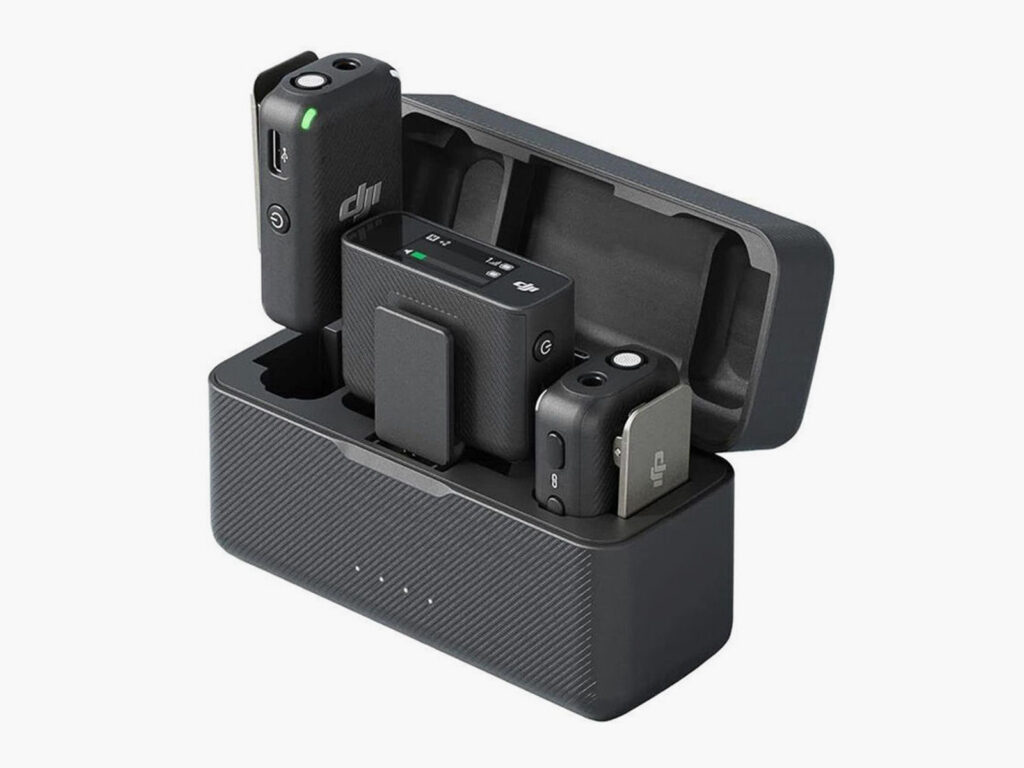
For ultimate freedom, this wireless pair ranked high among the portables. Easy setup without cables tangling your performance.
Pros: True wireless convenience, stereo capability with high fidelity, and cardioid elements for clean capture. Perfect for dynamic movements in practice or auditions. Place the pair within 3-5 feet of the performer or instrument, and with some gain control it captures a lot of nuance and color.
Cons: Battery life needs monitoring, but it’s reliable for short sessions.
TakeStage loves it. Producers can remotely control audio while you move freely, and Wide Spectrum ensures every detail shines through.
3. Shure MV88 Plus (Stereo On-Body Cardioid)
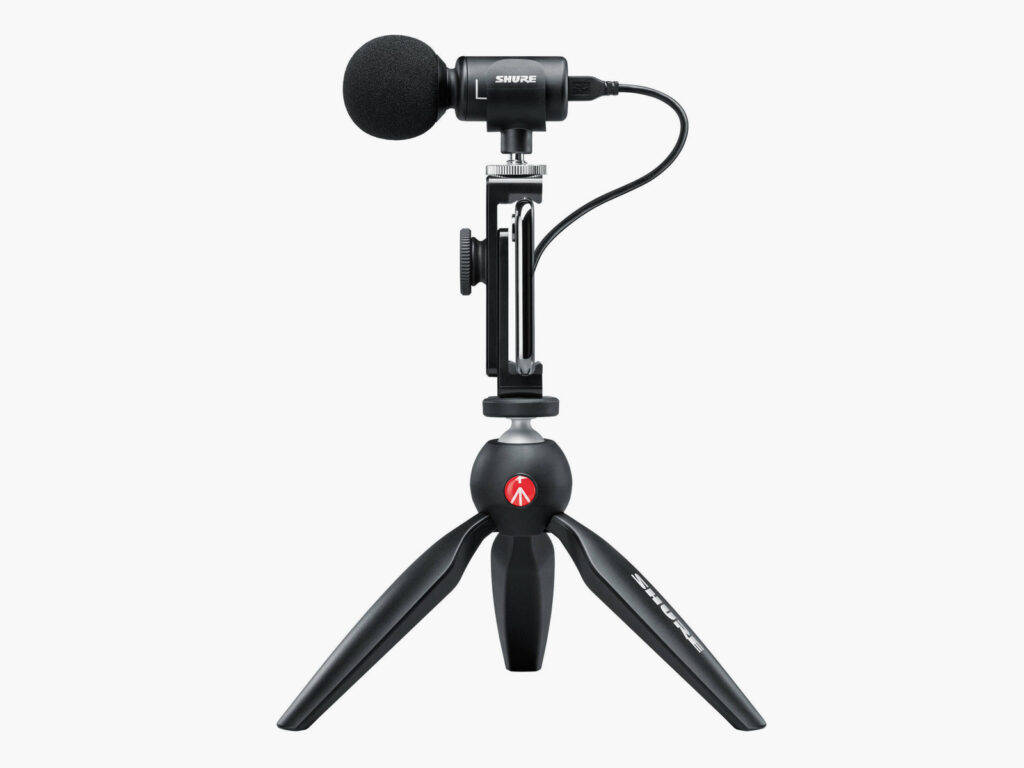
A close third, this portable stereo mic impressed with its on-body design. Makes it super easy to set up for quick takes.
Pros: Excellent stereo imaging for immersive recordings, high-fidelity cardioid pickup that rejects room noise, and lightweight for mobile use. Perfect to capture stereo with one mic placement for guitar or piano performances.
Cons: Slightly less versatile in very noisy environments compared to the AT4050.
In TakeStage, it’s a breeze. Connect to your iPhone, enable Wide Spectrum via our prompt, and let a remote producer fine-tune for audition-ready results.
What Didn’t Make the Cut
Other contenders like the Rode NT4 X Y Stereo Condenser Microphone performed decently and for backups yet requires some an interface and 5 pin to stereo balanced XLR splitter.
Disqualified options included the RØDE Wireless Go II due to wireless channels distortion/interference which is unacceptable for professional audio applications.
How to Use These Mics with TakeStage
Setting up is simple:
- Join a Stage as a Creator
- Connect your mic (external support is built-in) and confirm external micselection via a Mic icon dropdown
- Invite a Producer to remotely monitor audio levels
- Switch to Wide Spectrum for that full-spectrum capture (the app will remind you once you join the stage, if it’s not already enabled)
Our app handles call interruptions and attempts to reconnect automatically to the call, yet the local recording continues, and auto-uploads to the cloud library, so your high-fidelity stereo files are ready to share uncompressed. Whether solo or with an accompanist, these mics turn your home into a studio without the cost.
Once you’ve got your audio dialed in, make sure to pair it with great video. Check out our guide on using your iPhone for audition recording to complete your setup.
FAQs on Mics for Music Auditions
Q: What’s the best microphone for a wireless setup?
The DJI Mic 2 takes the crown here. Lightweight, hassle-free, and delivers true stereo recording without the cable management headaches.
Q: Why should I choose stereo over mono recording?
Stereo adds spatial depth and dimension to your performance. It makes judges and reviewers feel like they’re sitting in the room with you. For instruments like piano or guitar, this dimensionality captures the full resonance and character of your sound.
Q: How does Wide Spectrum mode help my audition recordings?
Standard iOS audio modes are optimized for voice and can compress or filter out important musical details. Wide Spectrum captures the full frequency range (those delicate piano harmonics, guitar overtones, and subtle articulations that standard modes miss). TakeStage prompts you to enable it on iOS for optimal results.
Q: Do I need an audio interface with these mics?
It depends on the mic. The DJI Mic 2 and Shure MV88 Plus connect directly to your iPhone. The AT4050 requires an interface, but modern USB-C options like the Focusrite Scarlett or MOTU M2 plug straight into iOS devices and computers.
Q: Can I use these mics for instruments other than what you tested?
Absolutely. These mics work beautifully across instruments. The stereo options (DJI Mic 2, Shure MV88 Plus) excel with piano, guitar, strings, and woodwinds. The AT4050’s versatility makes it ideal for vocals, brass, and any acoustic instrument.
Q: What if I’m on a tight budget?
Start with what you have. Even your iPhone’s built-in mics can produce great results when you enable Wide Spectrum mode. When you’re ready to upgrade, the Shure MV88 Plus offers the best bang for your buck in the mid-range category.
Q: How important is recording quality in audition submissions?
Extremely important. Admissions panels and competition judges often review dozens or hundreds of recordings. Poor audio quality can mask your technical skill and musicality, causing evaluators to miss the nuances that set you apart. Quality microphones for auditions ensure your digital first impression matches your live performance ability.
Ready to Record Your Next Audition?
The right microphones for auditions aren’t just about specs. They’re about capturing your artistry with clarity and confidence. Whether you choose the wireless freedom of the DJI Mic 2, the professional standard of the AT4050, or the portable convenience of the Shure MV88 Plus, you’re investing in your musical future.
Sign up for the TakeStage beta today and test these mics in a free session.
Leave a Reply