

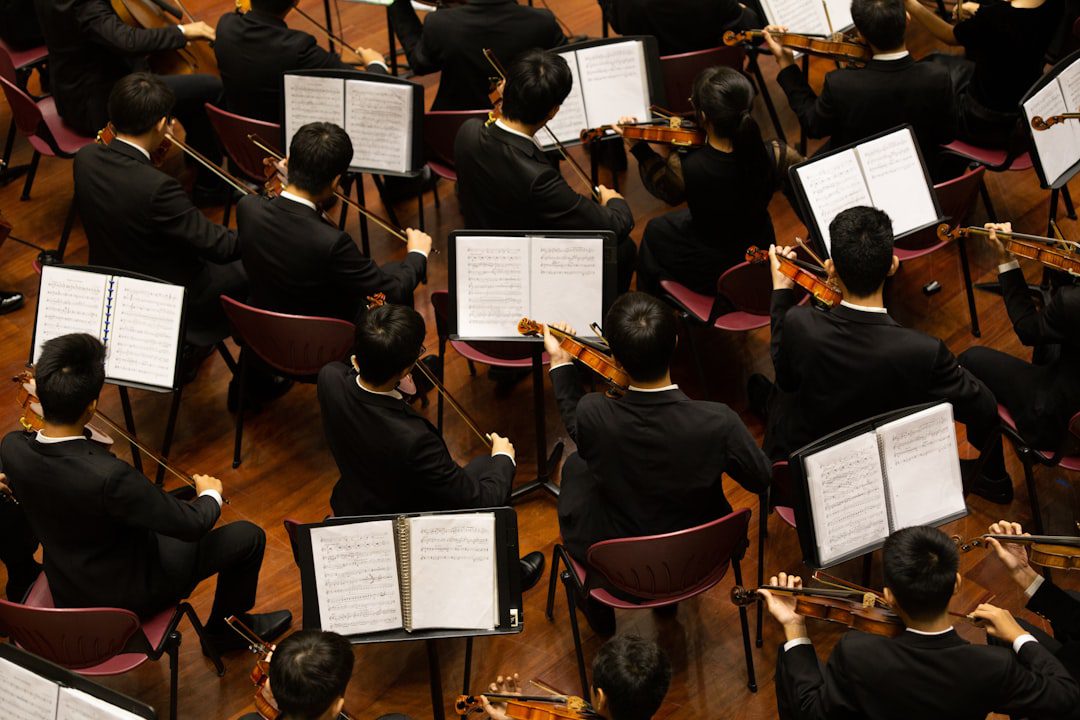
In the world of music, auditions are pivotal moments where dreams can take flight. They are gateways to conservatories, competitions, and professional opportunities. As the digital age advances, the traditional audition process has evolved, with video submissions becoming increasingly popular. Crafting the perfect audition video is not just about playing the right notes; it’s about capturing your essence as a performer. Welcome to the world of crafting your visual symphony!
At TakeStage, we understand the unique challenges musicians face in this digital landscape. Our platform is designed to help performers like you present your talent professionally and effortlessly. Whether you’re a high school musician or a seasoned performer, creating an audition video that stands out is crucial. Let’s dive into the essential tips for making your audition video a masterpiece.
Setting the Stage: Choosing the Right Environment
The environment you choose for your audition video sets the tone for your performance. A well-thought-out setting can enhance your video and leave a lasting impression on the judges.
- Lighting: Ensure your space is well-lit, with natural light being a preferred choice. Position yourself so that the light illuminates your face and instrument, avoiding harsh shadows.
- Background: Keep the background simple and free from distractions. A plain wall or a tidy room can keep the focus on you and your music.
- Acoustics: Choose a space that complements your sound. Test different rooms to find one that enhances your instrument’s natural qualities without echo or distortion.
Technical Excellence: Equipment and Setup
High-quality visuals and sound are crucial for showcasing your talent effectively. While professional equipment can elevate your video, it’s not always necessary. Focus on maximizing what you have.
- Camera: Use a stable camera or smartphone with HD capabilities. Ensure it’s positioned at a level that captures both you and your instrument clearly.
- Audio: If possible, use an external microphone to improve sound quality. Test different settings to find the balance that showcases your performance best.
- Editing: Use simple editing software to trim any unnecessary parts and ensure your video starts and ends smoothly. Avoid over-editing; authenticity is key.
Performance Perfection: Preparing Your Piece
Your performance is the heart of your audition video. Preparation is key to delivering a captivating and confident presentation.
- Piece Selection: Choose a piece that not only showcases your technical ability but also your musicality and passion. Consider the audition panel’s preferences and requirements.
- Practice: Record practice sessions to identify areas for improvement. Focus on expression, dynamics, and technical precision.
- Rehearsal: Perform your piece in front of a small audience or use TakeStage to simulate an audition environment. This will help you manage nerves and refine your performance.
Visual Storytelling: Expressing Your Musical Identity
While sound is paramount, the visual aspect of your video plays a significant role in conveying your musical identity. Consider how you present yourself and your performance visually.
- Attire: Dress as you would for a live audition, opting for professional and comfortable attire that reflects your personality and the music you’re performing.
- Body Language: Use your body language to express the emotions of the piece. Engage with the music and let your passion shine through your movements.
- Framing: Ensure your entire instrument and hands are visible, allowing the judges to see your technique clearly. Experiment with different angles to find the most flattering position.
Final Checks: Reviewing and Refining
Before submitting your audition video, take the time to review and refine your submission. This final step can make all the difference.
- Review: Watch your video critically, looking for any areas that need improvement. Seek feedback from trusted mentors or peers to gain an outside perspective.
- Refinement: Make necessary adjustments, whether it’s re-recording certain sections or tweaking the audio levels for clarity.
- Submission: Ensure you meet all the submission requirements, including format and file size. Use TakeStage to organize and submit your audition with ease.
Conclusion: Bringing Your Music to Life
Crafting the perfect audition video is both an art and a science. By focusing on your environment, technical setup, performance, visual storytelling, and final checks, you can create a video that truly represents your musical talent. Remember, the goal is to let your music shine and leave a lasting impression on the judges.
At TakeStage, we’re here to support you every step of the way. Our platform is designed to remove the technical barriers so you can focus on what truly matters — your performance. Embrace the process, trust in your abilities, and let your unique voice be heard. Your visual symphony awaits, and the stage is yours to take.
Leave a Reply